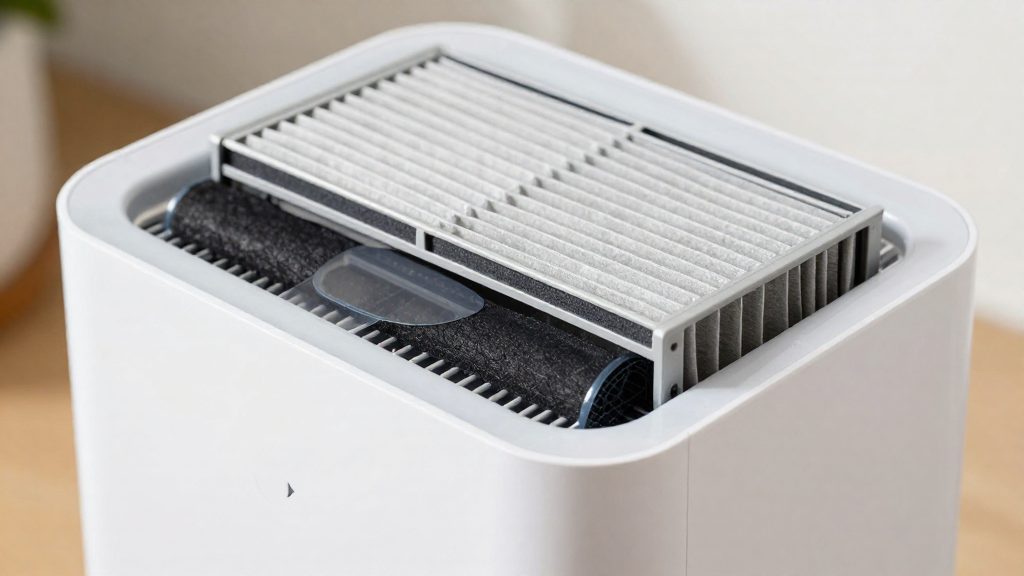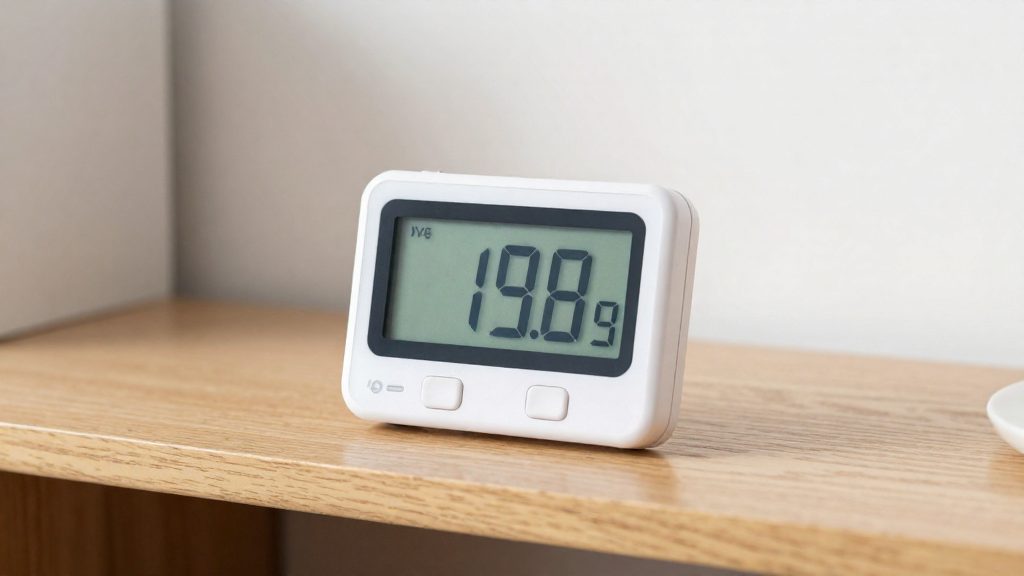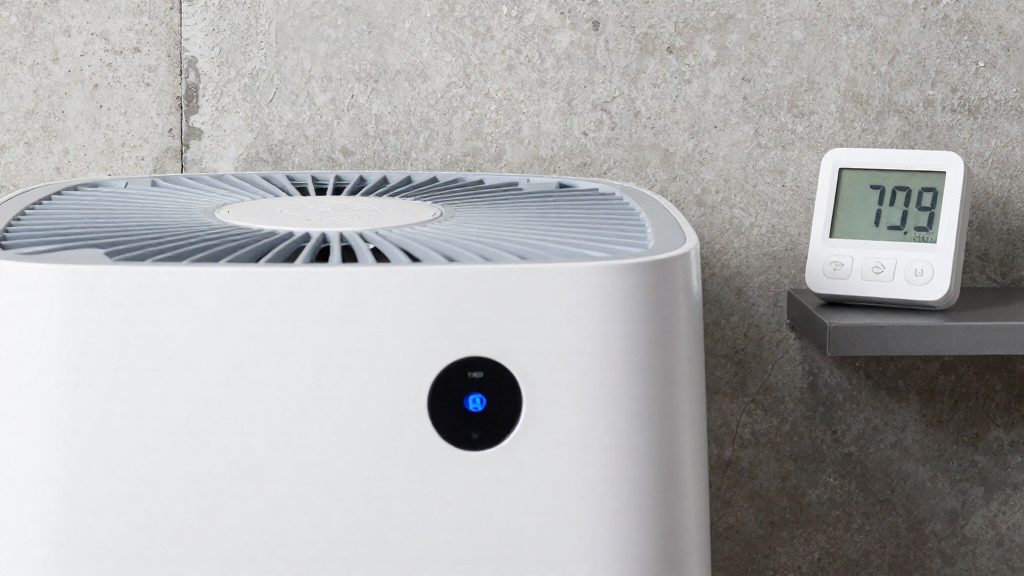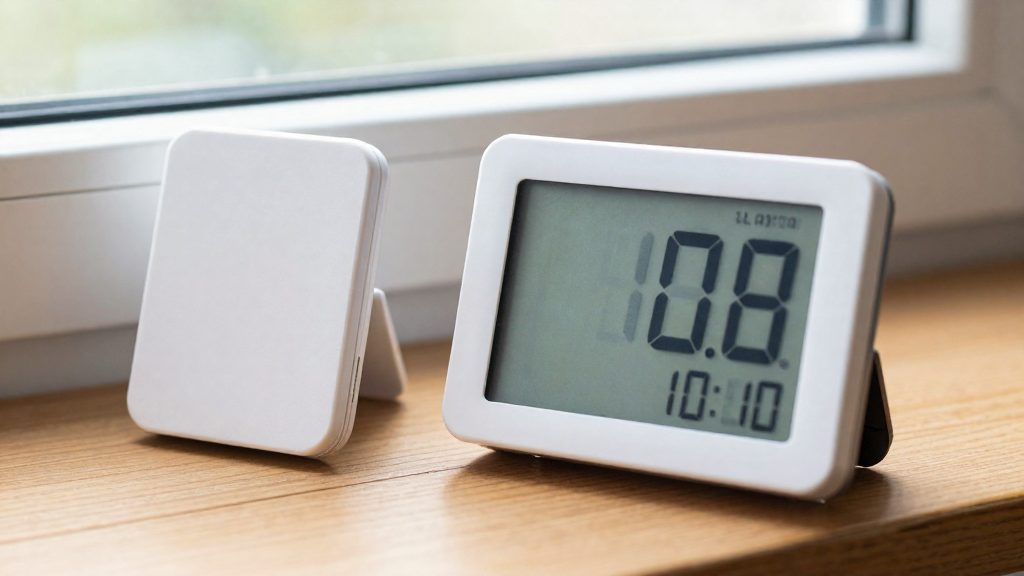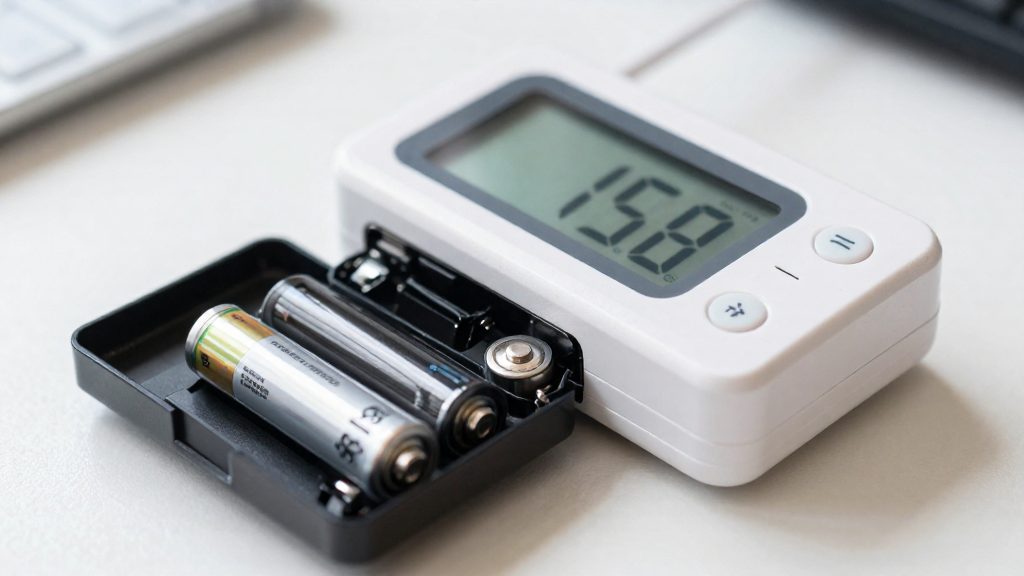
There is no single replacement interval for hygrometer batteries, because life depends on the model. Sub-Zero/Wolf gives a 3 to 5 year battery life for the hygrometer in its humidor, a manufacturer figure for that one product. The TempPro TP49 is listed with an 18-month life, and one buyer reported that AA batteries in a TP55 lasted only 10 months. Check the documentation for your specific model rather than applying a general schedule.
How often should you replace hygrometer batteries?
Battery life by model
The published figures differ widely:
- Sub-Zero/Wolf humidor hygrometer: 3 to 5 years, according to the manufacturer.
- TempPro TP49: 18 months, as listed.
- TempPro TP55 (AA batteries): about 10 months, based on one buyer’s report. This is an individual experience, not a rated life.
These figures reflect different products and conditions, so they cannot be combined into one rule. The most reliable approach is to note the installation date when you fit a new battery and to check the readings against a second reference when the display or values look unusual.
Button cells and manual guidance
The Hama TH-130 uses a CR2025 button cell. Its manual gives no replacement interval, so the battery must be checked by the owner rather than changed on a fixed date. The manual specifies a CR2025 cell, so confirm the battery type in the manual before buying a replacement.
Backlight and power saving
Some units reduce consumption by switching off the backlight after 15 seconds. This backlight power saving feature means the display may appear dark during normal use, so a dark screen alone does not confirm that the battery is exhausted. Check your model’s manual to see how the backlight works, and compare the readings with a second hygrometer before replacing the battery.
Why accurate readings matter
This Old House advises keeping indoor humidity below 50% to help prevent mold, and considering a humidifier when levels fall below 30%. It also notes that targets should change with the seasons to avoid condensation in winter. If a weak battery were to affect the readings, which the sources do not document, it could lead to the wrong response to these thresholds, so checking readings against a second device is worthwhile.
Typical battery life by battery type
Battery life in a hygrometer depends on the model, the battery format and how the device manages power, so no single replacement interval applies to all units. The manufacturer figures and buyer reports available for this section cover only a few products, and they are not directly comparable. Sub-Zero Group states that the battery in its humidor hygrometer lasts 3 to 5 years. This is a manufacturer figure for one product, not a general rule for hygrometers.
Battery life also varies widely between models that use the same format. According to This Old House, the TempPro TP49 is listed with an 18-month battery life, while one buyer reported that AA batteries in a TempPro TP55 lasted only 10 months. Some units extend battery life by turning off the backlight after 15 seconds, which means that usage habits, such as how often the display is checked, can change how quickly the batteries run down.
The Hama TH-130 uses a CR2025 button cell. The Hama manual, hosted on ManualsLib, does not give a replacement interval, so the expected life of that cell cannot be determined from the manual alone.
| Device | Battery format | Stated or reported life | Source |
|---|---|---|---|
| Sub-Zero/Wolf humidor hygrometer | Not specified | 3 to 5 years (manufacturer figure) | Sub-Zero Group |
| TempPro TP49 | Not specified | 18 months (listed) | This Old House |
| TempPro TP55 | AA | About 10 months (one buyer report) | This Old House |
| Hama TH-130 | CR2025 button cell | No interval given | Hama (manual on ManualsLib) |
For a practical check, compare the readings of your hygrometer against a second device when the display dims or the reading becomes erratic. This method reveals a weak battery before the device stops working entirely.
Signs That the Battery Is Low
The sources do not describe a universal low-battery warning, so the most reliable approach is to check the device’s behaviour against a known reference. The signs below are practical checks, not a fixed diagnosis. The official sources consulted do not specify a universal set of low-battery symptoms across hygrometer models, so confirm the behaviour in your own unit’s manual.
Start by identifying the cell type. The Hama TH-130 uses a CR2025 button cell, while other models use AA batteries. Knowing the type tells you what to buy and helps you read the manual correctly.
Look for these signs:
| Check | What to observe | Action |
|---|---|---|
| Display behaviour | Readings freeze, blank out, or fail to update (possible sign, not confirmed by the sources) | Check the manual and compare with a second hygrometer before replacing the battery |
| Backlight | Backlight turns off after a set time | Check whether the feature is a power-saving setting before assuming a fault |
| Reading accuracy | Humidity values drift from a calibrated reference | Test the unit beside a second, trusted hygrometer |
| Response | The unit does not power on or respond to buttons | Check the battery orientation and contacts first |
Some units turn off the backlight after 15 seconds to save power, according to This Old House, so a display that goes dark is not always a sign of a dead battery. Confirm this against your manual before replacing the cell.
Once you have replaced the cell, record the date. Battery life varies widely between models, which is why a fixed replacement schedule is unreliable.
Checking Readings and Battery Life by Model
A hygrometer running on a weak battery can produce readings you cannot fully trust, but the official sources consulted do not specify the exact mechanism or error size for any model. What they do document is how battery life is rated, how much it varies, and how dead cells must be handled. Because a failing battery is hard to diagnose from the display alone, the practical check is whether the reading still matches a known reference.
Battery Life Varies by Model
Replacement intervals differ widely between products:
| Device | Stated or reported battery life | Source |
|---|---|---|
| Sub-Zero/Wolf humidor hygrometer | 3 to 5 years (manufacturer figure for this product only) | Sub-Zero Group |
| TempPro TP49 | 18 months | This Old House |
| TempPro TP55 (AA batteries) | About 10 months (one buyer report) | This Old House |
| Hama TH-130 (CR2025 button cell) | No replacement interval given | Hama manual |
None of these figures applies to every hygrometer, so the interval printed for your model should be checked first.
Signs to Check Before Trusting a Reading
Some units turn off the backlight after 15 seconds to save power, so a dim or unlit display does not by itself indicate a dead battery. Compare the hygrometer against a second instrument placed in the same room. If the two diverge when the room is stable, replace the battery and repeat the comparison.
Why Accuracy Matters Here
Humidity thresholds drive real decisions. This Old House advises keeping indoor humidity below 50% to help prevent mold, and considering a humidifier when levels fall below 30%. It also notes that targets should shift with the seasons to avoid winter condensation. An unreliable reading can therefore push you past one of these limits without warning, which is why a suspect battery should be replaced before you adjust humidifiers or dehumidifiers.
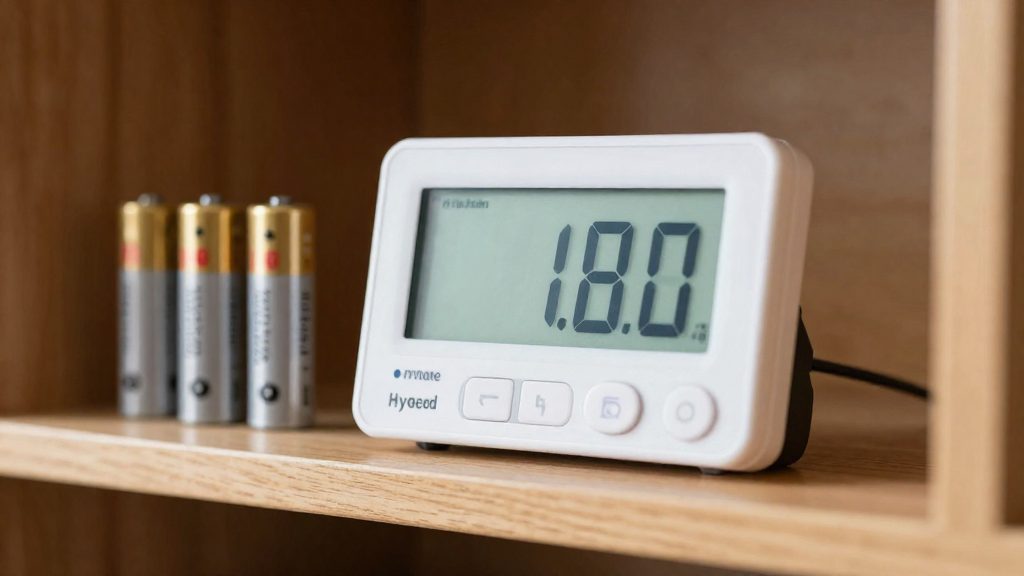
How to Replace the Battery and Dispose of It Safely
Battery life varies widely by model. The documented figures in the sources range from 3 to 5 years for one Sub-Zero/Wolf humidor hygrometer to about 10 months for an AA-powered TempPro TP55 reported by one buyer. No universal replacement interval exists, so the model’s own documentation is the reliable reference.
| Model | Documented battery life |
|---|---|
| Sub-Zero/Wolf humidor hygrometer | 3 to 5 years (manufacturer figure for this product only) |
| TempPro TP49 | 18 months |
| TempPro TP55 (AA batteries) | About 10 months (one buyer’s report) |
| Hama TH-130 | No replacement interval given |
Identifying the Battery Type
The Hama TH-130 uses a CR2025 button cell. Check the battery compartment or manual before buying a replacement, because the cell type determines compatibility. Units that take AA batteries, such as the TP55, require a different cell size entirely.
Replacement Steps
- Open the battery compartment using the method in the manual.
- Remove the depleted cell completely.
- Insert the new cell with the polarity marking matching the compartment.
- Close the compartment and confirm the display powers on.
- Write the installation date on the device or in a log, since the listed lifespans come from different sources and do not predict your unit’s exact runtime.
Some units extend battery life by turning off the backlight after 15 seconds, so a display that goes dark between readings is normal and does not by itself indicate a failed battery.
Disposal and Recycling in Canada
The Hama manual states that dead batteries must be removed and disposed of immediately. The official sources consulted do not specify Canadian collection rules for hygrometer batteries. Disposal rules vary by municipality and province, so check your municipality’s rules for battery collection before discarding used button cells or AA batteries.
Do You Need to Recalibrate the Hygrometer After Replacing the Battery?
The sources do not describe any effect of a battery change on the measurement. The humidity reading comes from the sensor, but a weak battery may still affect the display or electronics. The official sources consulted do not specify a recalibration step tied to battery replacement, so the question is whether the reading still makes sense after the swap, not whether the cell requires a calibration procedure.
Check the meter before adjusting anything:
- Compare against a second hygrometer. Place a trusted meter beside the unit, let both settle in the same spot, and compare the readings over the same period.
- Measure the offset. A consistent difference suggests a sensor or calibration issue. Erratic jumps may point to a power or contact problem, so inspect the battery compartment for corrosion or loose contacts.
- Confirm the battery type. The Hama TH-130 uses a CR2025 button cell, so a different cell or a weak replacement may not be a suitable substitute.
Once the battery is confirmed, use known targets as a plausibility check. This Old House advises keeping indoor humidity below 50% to help prevent mold, and considering a humidifier below 30%. A reading far outside what the room conditions suggest warrants a second check. This Old House also notes that targets should shift with the seasons to avoid winter condensation, so verify the meter’s accuracy again at seasonal changes rather than relying on a single check.
What Humidity Level Should You Target at Home?
According to This Old House, indoor humidity should stay below 50% to help prevent mold, and a humidifier should be considered when levels drop below 30%. Those two thresholds define the practical range for most homes: below the mold-prevention ceiling, and above the point where the source suggests adding humidity. A hygrometer tells you where your home sits relative to these limits, so its readings are only useful if the device is working correctly.
| Indoor relative humidity | Guidance from This Old House |
|---|---|
| Below 30% | Consider using a humidifier |
| 30% to 50% | Within the range the source associates with mold prevention |
| Above 50% | Above the mold-prevention threshold |
The source also states that targets should change with the seasons. Holding one fixed number all year does not account for winter condensation, which forms on cold surfaces such as windows and exterior walls when moist indoor air meets them. Adjusting the target as the seasons change is the approach the source recommends.
To apply these thresholds, take readings in several rooms over a period of days rather than relying on one measurement. Compare each room’s readings against the 30% and 50% limits, and note which rooms fall outside the range. Readings taken at a single moment can mislead, because humidity shifts with daily activity and weather. This method makes it easier to decide whether a humidifier, better ventilation, or a dehumidifier is the appropriate next step.
Frequently asked questions
Is there a standard time to replace a hygrometer battery?
No. The official sources consulted do not give a general interval, and the Hama TH-130, for example, uses a CR2025 button cell with no replacement schedule in its manual. Check your model’s documentation, and remove any dead battery promptly, as Hama advises.
Why does my hygrometer’s display look dark?
Some units switch off the backlight after about 15 seconds to save power, so a dark screen does not always mean the battery is empty. Press a button to wake the display, and if the readings still do not appear, replace the battery.
Can a weak battery affect the humidity readings I rely on?
The official sources consulted do not specify whether a low battery changes measurement accuracy. Because humidity targets matter for mold prevention and winter condensation, compare your hygrometer with a second device whenever the values look unexpected.