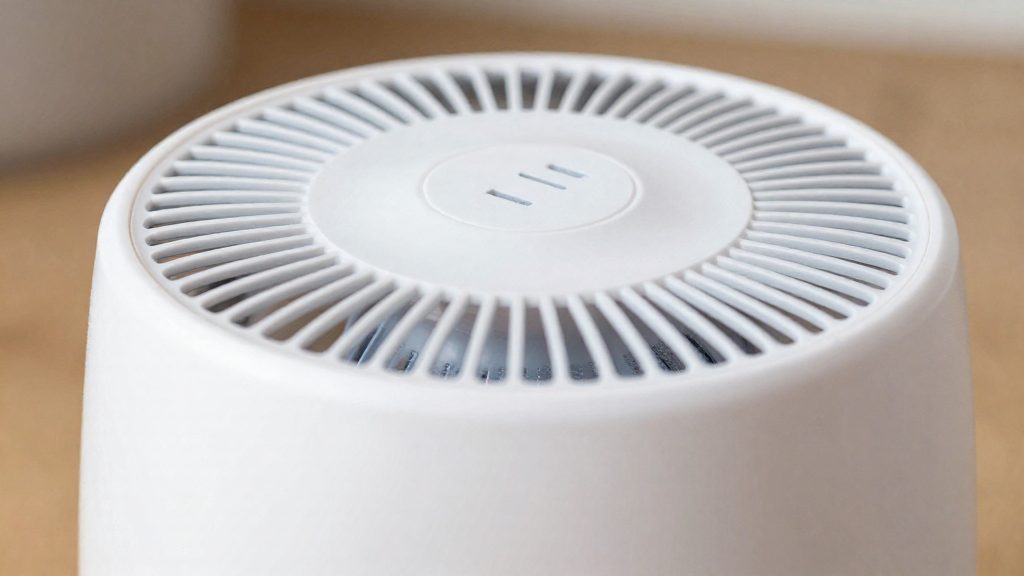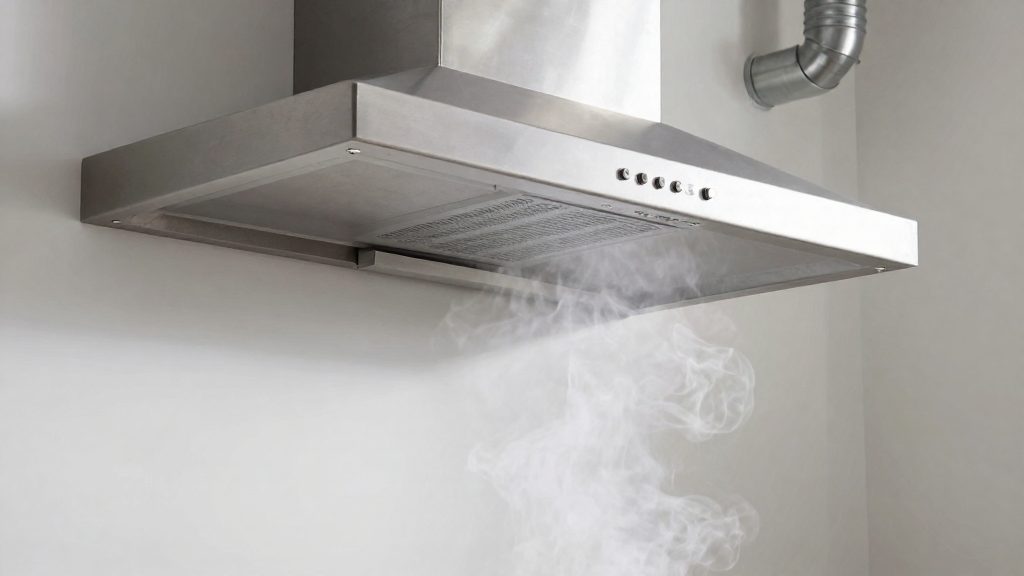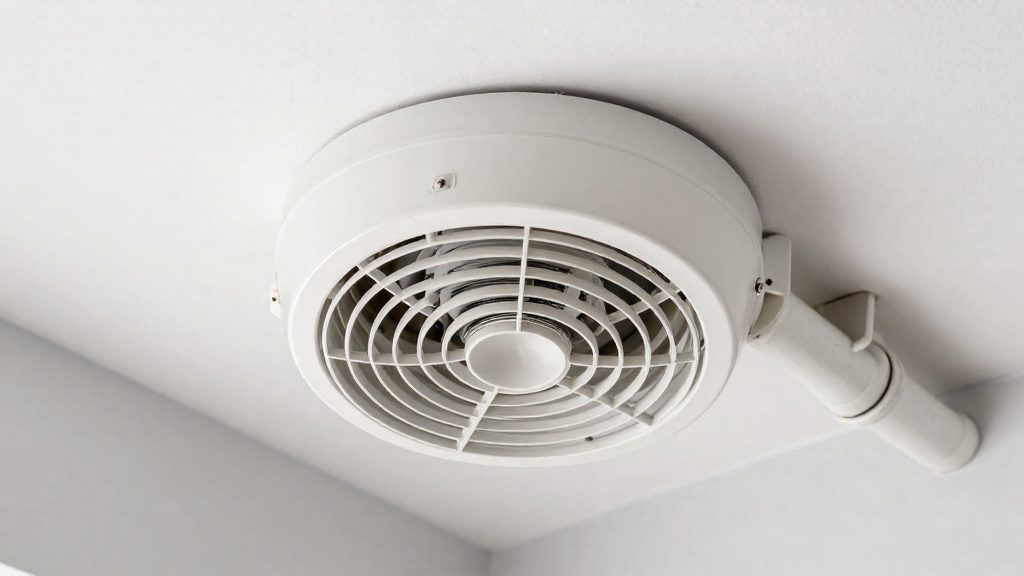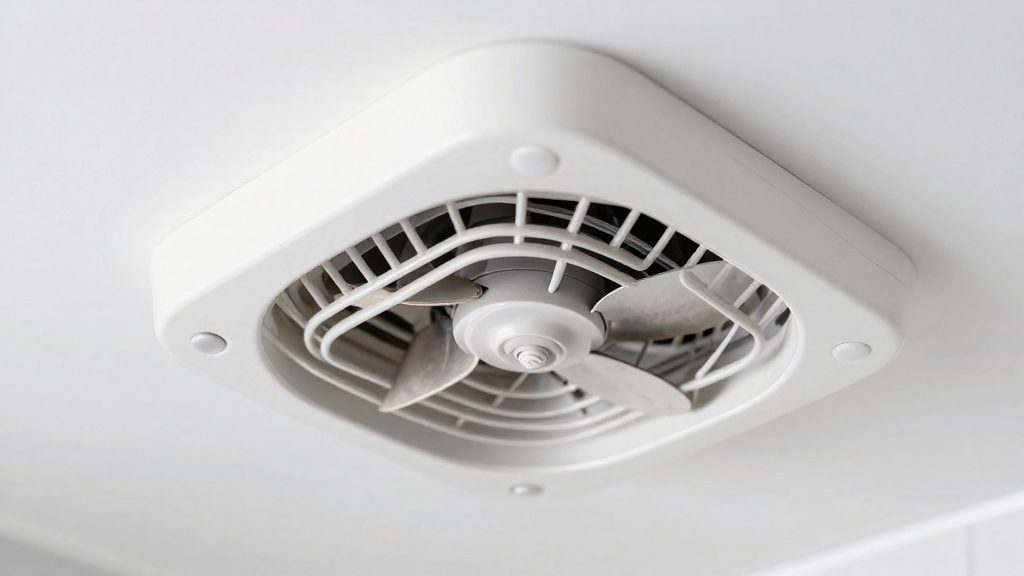
A bathroom fan is usually loud for three reasons: its motor type, airflow restriction caused by the fan housing and its design, and weak sound insulation in the surrounding walls and ceiling. According to the Home Ventilating Institute (HVI, 2026), installation factors such as wall and ceiling materials and insulation thickness strongly affect the sound level of certified products. A fan that tests quietly in a lab can therefore sound loud once it is installed.
Why is my bathroom fan so loud?
Motor type as a primary noise source
According to Fantech (2026), motor type is one of the main factors that raise fan noise. Judge the motor by the unit’s age and model rather than by assumption. HVI (2026) notes that replacing an old fan with a newer model can reduce noise, because many newer fans are more efficient and quieter. If the noise persists even when the grille is clear and the damper moves freely, the motor or design may be involved, but ductwork, vibration and insulation should also be checked.
Airflow restriction and housing design
Fantech (2026) lists airflow restriction and fan design among the causes of excess noise. Start with the simple points: check that the grille is not blocked and that the damper opens and closes without sticking. The housing design determines how smoothly air moves through the unit, so a fan that must push air through a restricted path works harder and produces more noise. These checks cost nothing and rule out the cause before any purchase.
Weak sound insulation from walls and ceilings
HVI (2026) identifies wall and ceiling materials and insulation thickness as installation factors that change the measured sound level. Wall and ceiling materials and insulation thickness change how much fan noise is measured in the room. Fantech (2026) adds weak sound insulation and vibration as contributors to fan noise.
| Cause | What to check | Effect on noise |
|---|---|---|
| Motor type | Age and model of the existing unit | Raises noise (Fantech, 2026) |
| Airflow restriction | Grille, damper, and housing path | Raises noise (Fantech, 2026) |
| Weak sound insulation | Wall and ceiling materials, insulation thickness | Changes measured sound level (HVI, 2026) |
| Vibration | How the unit is mounted | Contributes to noise (Fantech, 2026) |
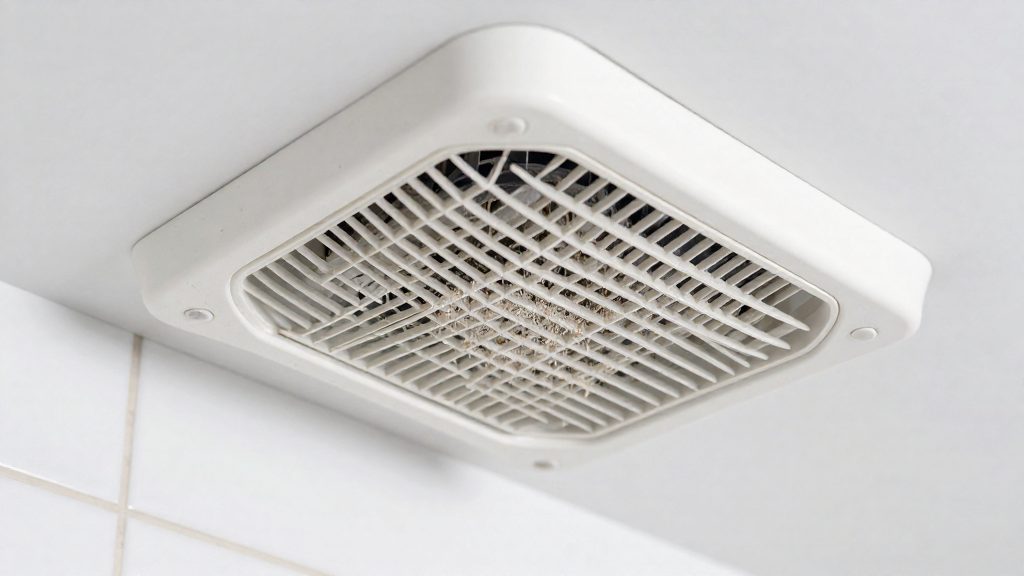
Sones: how to read the noise rating
A sone is a linear unit of perceived loudness, so the number scales directly with how loud a fan seems to a listener. According to the Home Ventilating Institute (HVI, 2026), a fan rated at 3 sones sounds half as loud as one rated at 6. Because the scale is linear, you can compare two ratings by simple division rather than by interpreting a logarithmic decibel figure.
Ratings are useful only against fixed benchmarks. HVI (2026) puts the lowest certifiable residential rating currently under 0.3 sone. For a quiet bathroom fan, HVI recommends 1.0 sone or less. Fantech (Canada site, 2026) gives about 2 sones as the recommended maximum, which is also the level at which a fan can qualify for ENERGY STAR.
To judge a rating in everyday terms, use these reference points from Fantech (2026):
- 1 sone: roughly the noise of a running refrigerator.
- 2 sones: roughly the noise of a quiet office.
| Rating | What it means | Source |
|---|---|---|
| Under 0.3 sone | Lowest certifiable residential rating | HVI (2026) |
| 1.0 sone | Recommended level for a quiet bathroom fan (HVI recommendation, reported by Fantech Canada, 2026); about a running refrigerator | Fantech (Canada site, 2026) |
| 2 sones | Recommended maximum; ENERGY STAR threshold; about a quiet office | HVI (2026); Fantech (2026) |
| 3 vs 6 sones | 3 sones sounds half as loud as 6 | HVI (2026) |
Reading the rating in practice: check the sone value on the product specification, then compare it with the 1.0 and 2.0 benchmarks. A fan at or below 1.0 sone meets the recommendation for a quiet bathroom fan, while a fan above 2 sones exceeds the recommended maximum.
Clean and secure the fan
Fan noise comes from several sources, including motor type, airflow restriction, design and ductwork layout. According to Fantech’s Canada site (2026), poor maintenance, weak sound insulation and vibration also contribute. Cleaning and tightening the unit addresses the maintenance-driven part of the problem without replacing hardware. Replacing an old fan with a newer, more efficient model can also reduce noise, according to the Home Ventilating Institute (HVI) (2026), but it is only needed when the existing unit cannot be made quieter.
Removing dust from the grille and impeller
Dust on the grille and on the impeller (the rotating fan wheel) can contribute to noise, since poor maintenance is a listed cause. To clean it:
- Switch the fan off at the wall switch and at the circuit breaker before opening the housing.
- Remove the grille cover and vacuum the grille face and the visible impeller blades, only once the circuit breaker is off.
- Wipe the housing interior and impeller with a dry or lightly damp cloth, keeping moisture away from the motor.
- Let every part dry completely, then refit the grille and check that it sits flush against the ceiling.
Tightening screws and mounting brackets
Loose fixings let the housing rattle against the ceiling structure. Check the screws that hold the grille frame, the motor housing and the mounting brackets. Tighten each one with a screwdriver until it is snug. Do not overtighten, because stripped threads can create a new loose point.
Fitting vibration isolation mounts
Vibration isolation mounts reduce the transfer of motor vibration from the fan housing to the surrounding structure. Fantech’s Canada site (2026) lists them as one of the noise reduction methods. When re-mounting the fan, place isolation mounts where the bracket contacts the housing, and make sure the housing does not touch joists or the ceiling directly.
Sone benchmarks for judging the result
The sone is a linear loudness unit: a fan rated at 3 sones sounds half as loud as one rated at 6. Use these reference points to judge the result:
| Level | Reference point |
|---|---|
| 1 sone | Approximately the noise of a running refrigerator (Fantech, 2026) |
| 1.0 sone | HVI’s recommended level for a quiet bathroom fan (Fantech, 2026) |
| 2 sones | Approximately a quiet office, and the level at which a fan can qualify for ENERGY STAR (Fantech, 2026) |
Fix the ductwork
The duct connected to a bathroom fan affects how much of the fan’s noise reaches the rooms around it. According to the Home Ventilating Institute (HVI, 2026), the sound levels of certified products depend heavily on installation factors, including duct type, duct length, and inlet and outlet fittings. Ductwork is therefore one of the few noise factors you can change after the fan is installed.
Choose smooth metal duct over flexible duct
HVI (2026) prefers smooth metal duct over flexible duct. The ridges inside flexible ducting create turbulence, which reduces airflow and adds noise. A fan pushing air through a rough internal surface works harder for the same result, and the turbulent flow is audible in the room.
| Duct type | Interior surface | Effect on airflow and noise (HVI, 2026) |
|---|---|---|
| Smooth metal | Smooth | Preferred; less turbulence |
| Flexible | Ridged | Creates turbulence and reduces airflow |
Keep the original diameter
HVI (2026) recommends keeping the duct size the same as the original. When replacing a fan, measure the existing duct before buying a new unit, and make sure the replacement connects to that same diameter. Changing the size of the duct is not part of the HVI recommendation.
Keep the run short and straight
HVI (2026) advises a short, straight run. Duct length is a listed installation factor, so a long route with many bends gives the fan more resistance to overcome. Before cutting or fixing any duct, plan the route from the fan to the exterior outlet and remove unnecessary sections and turns.
Use sound-insulated ductwork and check the fittings
Fantech (2026) lists sound-insulated ductwork among the methods used to reduce fan noise. Insulation thickness is also a listed factor affecting sound levels of certified products, so insulated duct is a sensible addition when the route cannot be shortened. Inlet and outlet fittings are listed by HVI (2026) as a factor in measured sound levels.
Use the sone rating to check the result
Fantech (2026) gives a benchmark for judging the outcome: HVI recommends 1.0 sone or less for a quiet bathroom fan, while about 2 sones is the recommended maximum. Since a sone is a linear loudness unit, a fan rated at 3 sones sounds half as loud as one rated at 6 (HVI, 2026). Measure the fan’s rating against these values after the ductwork changes, so you can tell whether the duct, rather than the fan itself, is responsible for the remaining noise.
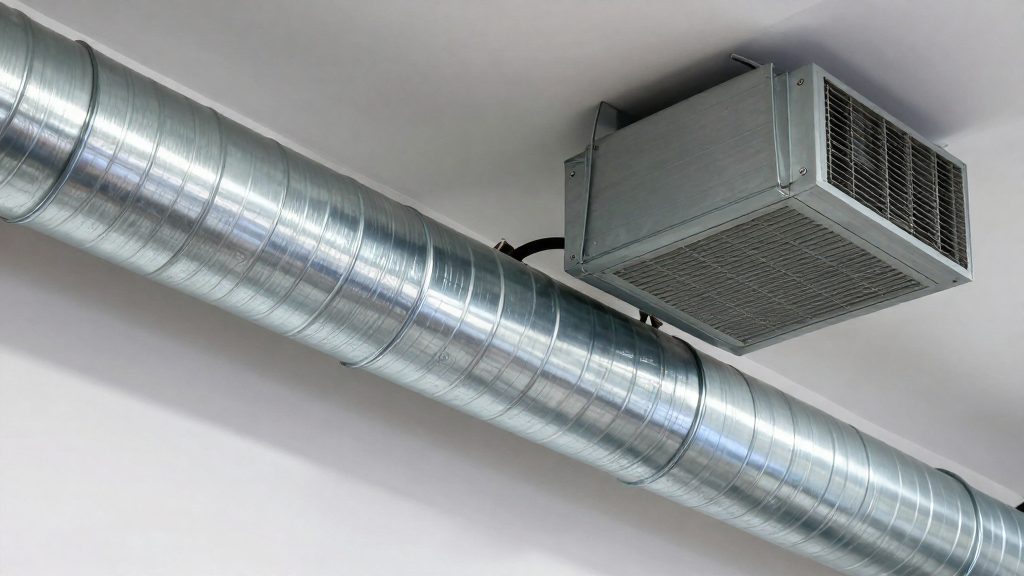
Should you replace the fan?
A replacement can make sense when the existing unit stays loud after maintenance, mounting and ductwork have been checked. Newer fans are generally more efficient and quieter than older models, so replacing the unit can reduce noise, according to the Home Ventilating Institute (HVI, 2026). Before buying, compare the cost of a repair with the cost of a new unit, and confirm whether the ductwork is the real source of the problem.
Age and efficiency of older models
Fan noise is raised by motor and design, airflow restriction, and ductwork layout, according to Fantech (2026). Poor maintenance, weak sound insulation, and vibration add to it. Work through these causes first, with cleaning, tightening, and vibration isolation mounts. If the fan is still noisy after that, and the ductwork has been checked, the motor or design may be the limit, and a newer model may be worth considering.
Repair versus replacement
Get local quotes for repair and replacement and compare them. The noise source determines which option makes sense:
| Noise pattern | Better fix | Reason |
|---|---|---|
| Noise remains after cleaning, tightening, isolating the unit and checking the ductwork | Consider replacing the fan | The remaining noise may point to motor or design |
| Noise rises with flexible duct or a long, bent run | Correct the ductwork | Flexible ridges create turbulence and reduce airflow; a new fan will not remove that effect |
Replacing the fan alone does not fix a poor duct layout, because installation factors such as duct type, duct length, and insulation thickness affect the measured sound level, according to HVI (2026).
Checklist for selecting a replacement fan
- Check the sone rating. HVI recommends 1.0 sone or less for a quiet bathroom fan. About 2 sones is the recommended maximum, the level at which a fan can qualify for ENERGY STAR (Fantech, 2026).
- Match the duct size to the original duct.
- Plan a short, straight run in smooth metal duct rather than flexible duct.
- Ask the seller about the motor type and design, since these determine much of the noise.
- Budget for vibration isolation mounts and sound-insulated ductwork during installation.
Is an in-line fan quieter?
Placement changes how much fan noise reaches the room. Whether the in-line layout is quieter depends on the motor position, the duct run, and the materials the sound passes through.
Motor location and noise transmission
The Home Ventilating Institute (HVI, 2026) lists location among the installation factors that change the sound level of certified products. In an in-line layout the motor sits in the duct run rather than in the ceiling housing, so noise travels through the ductwork and the wall or ceiling materials the duct passes through. HVI names those materials and the insulation thickness as additional factors. Fantech (2026) states that vibration contributes to fan noise and lists vibration isolation mounts as a reduction method.
Airflow restriction over longer runs
HVI (2026) lists duct length and inlet and outlet fittings as factors that affect sound level. Fantech (2026) states that airflow restriction raises fan noise, and that ductwork layout is also a contributor. A longer run with more bends adds restriction, so the fan works harder to move the same air. Keep the run short and straight, as HVI recommends, and check that every fitting at the inlet and outlet is necessary.
| Factor | Effect on noise | Mitigation named in sources |
|---|---|---|
| Airflow restriction | Raises fan noise (Fantech, 2026) | Short, straight run (HVI, 2026) |
| Ductwork layout | Raises fan noise (Fantech, 2026) | Sound-insulated ductwork (Fantech, 2026) |
| Vibration | Raises fan noise (Fantech, 2026) | Vibration isolation mounts (Fantech, 2026) |
| Weak sound insulation | Raises fan noise (Fantech, 2026) | Sound-insulated ductwork (Fantech, 2026) |
Installation distance from living spaces
The path the noise takes makes the choice of location a practical question. Assess how much sound will reach the room through the ceiling, wall, and duct insulation before deciding where the unit or outlet sits.
Quiet doesn’t mean off: keep the fan working
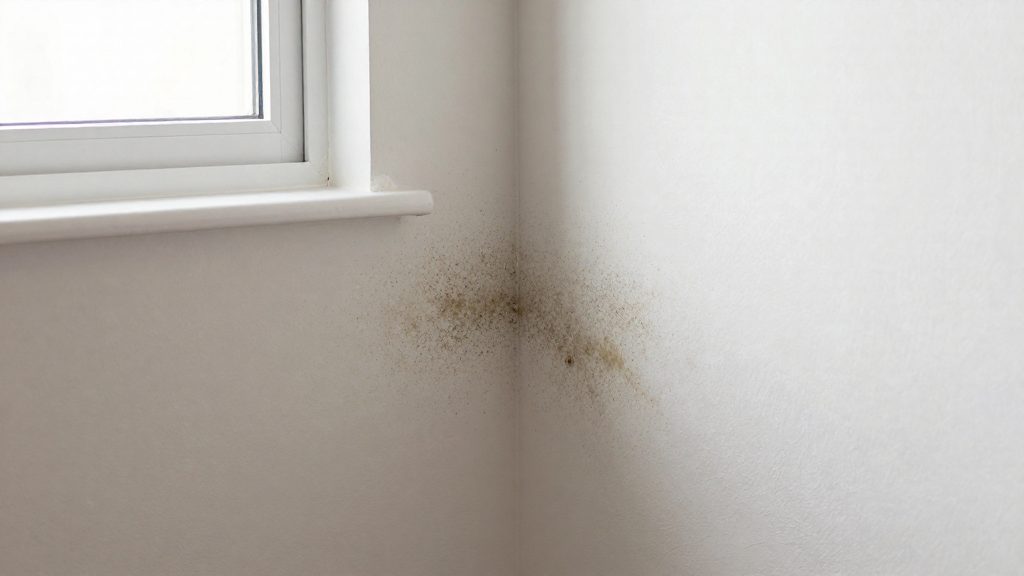
A bathroom fan that runs quietly but moves little air leaves moisture in the room, and that moisture drives condensation and mold. Noise reduction and humidity control are separate goals, so every quieting change should be checked against whether the fan still clears steam after a shower. The practical check is observational: after the fan stops, mirrors and tiles should not stay fogged or wet.
Changes that quiet a fan can also cut airflow
The Home Ventilating Institute (HVI) (2026) states that smooth metal duct is preferred over flexible duct, because flexible ridges create turbulence and reduce airflow. Fantech (2026) reports that airflow restriction raises fan noise, so a fan quieted by a constricted outlet or a restrictive duct is working against its own purpose. Moving air is what removes moisture.
| Change | Documented effect or recommendation (source) |
|---|---|
| Flexible duct in place of smooth metal | Creates turbulence and reduces airflow (HVI, 2026) |
| Restricted airflow path | Raises fan noise (Fantech, 2026) |
| Replacing an old fan with a newer model | Can reduce noise, as newer fans are often more efficient (HVI, 2026) |
| Keeping the original duct size, with a short and straight run | Recommended for ductwork (HVI, 2026) |
A newer, more efficient fan can lower noise while still moving the same volume of air, which is the outcome to aim for. Replacing a fan only lowers noise if the new unit keeps its rated airflow in the installed duct.
Setting the runtime
Run the fan during the shower and keep it running after the water is turned off, until surfaces are dry. Leaving it on for a fixed period is less reliable than watching the room, because the time needed depends on how long the shower ran and how well the air is exchanged. Note that installation factors such as duct length, fittings, and insulation thickness affect sound levels, so the same fan can behave differently in two bathrooms (HVI, 2026).
Timers and humidity sensors
Two control options remove the need to remember the switch:
- Overrun timer: keeps the fan running for a set period after the light or shower is switched off.
- Humidity-sensing control: starts the fan when relative humidity rises and stops it when the level falls.
Choose a humidity setpoint based on your hygrometer readings rather than a default.
Frequently asked questions
What does the sone rating mean for a bathroom fan?
A sone is a linear loudness unit, so a fan rated at 3 sones sounds half as loud as one rated at 6. Fantech (2026) recommends 1.0 sone or less for a quiet bathroom fan and identifies about 2 sones as the maximum, the level that also qualifies for ENERGY STAR.
Does flexible ductwork make my bathroom fan louder?
Often, yes. HVI (2026) recommends smooth metal duct over flexible duct, because the ridges in flexible duct create turbulence and reduce airflow. Keep the duct the same diameter as the original, and keep the run as short and straight as possible.
Will replacing the fan solve the noise problem?
It can help, but not always on its own. HVI (2026) notes that newer fans are often more efficient and quieter than older models. However, installation factors such as duct type, duct length, and wall and ceiling materials also change the sound level measured in the room, so the new unit’s rating may not match what you hear.