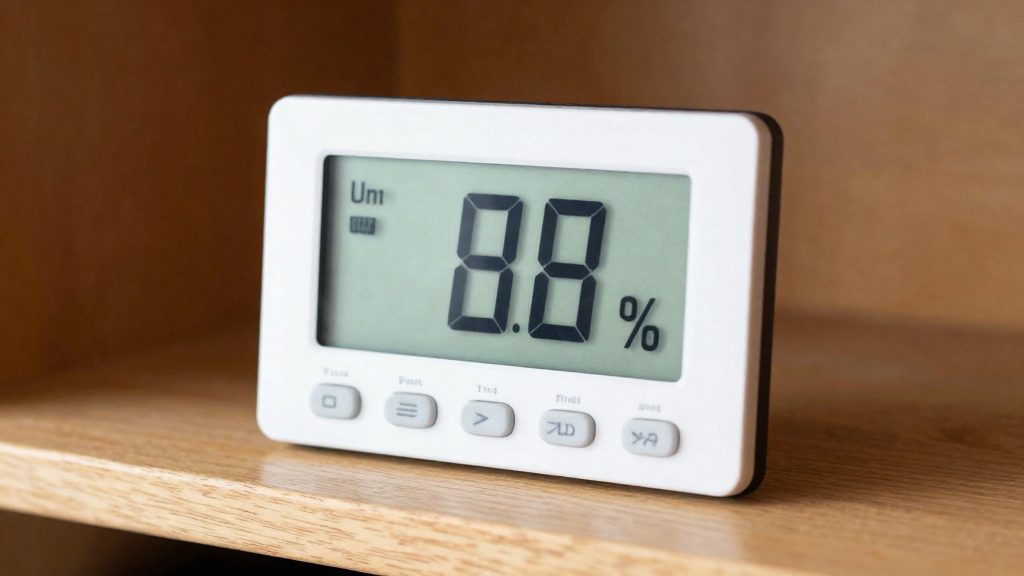
Why does wine cellar humidity matter?
Cork drying and loss of seal
A natural cork is a wood-based stopper, and wood releases moisture into dry air. If the surrounding air stays dry for long periods, the cork can dry out and lose the tight fit against the bottle neck that keeps the wine sealed. Once that fit is lost, the bottle is no longer protected by its closure.
Because the cork is the only barrier between the wine and the outside air, its condition is the first thing to check in a cellar that runs dry. Look for corks that sit visibly above or below the level of the bottle rim, or for dried residue around the neck, as signs that the seal may have been compromised.
Oxygen seepage and premature aging
Oxygen seepage builds gradually and is not visible from outside the bottle, so a cellar with dry air can hold wines whose condition has already changed without any obvious sign.
This is why the cork problem matters more for long-held bottles than for wine consumed within a short period.
Synthetic closures and dry air
| Closure type | Affected by dry air | Basis |
|---|---|---|
| Natural cork (wood) | Yes: can dry out and lose its seal | Vinotemp |
| Synthetic or other non-wood closure | No: not subject to this concern | Vinotemp |
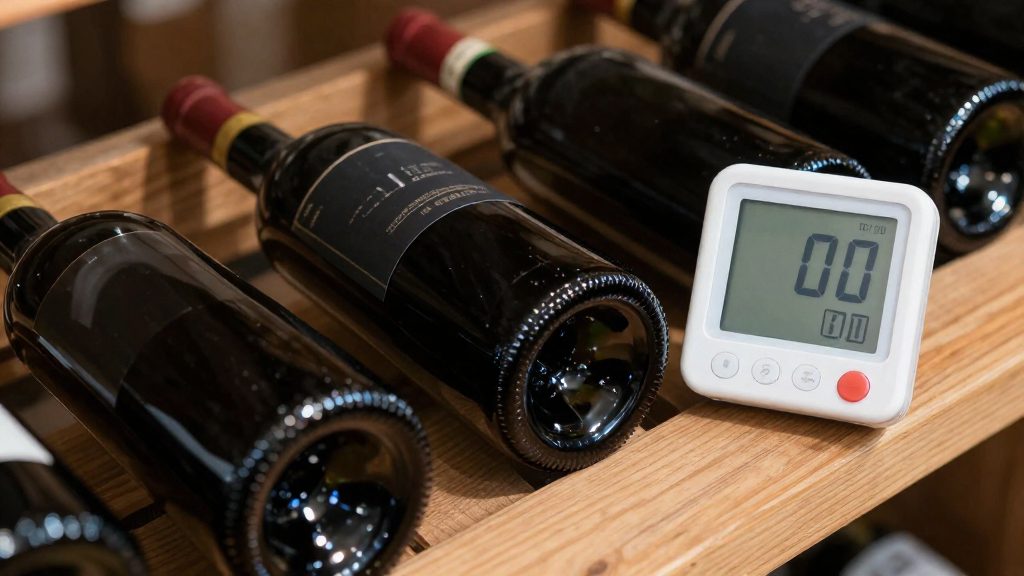
What humidity level is ideal for wine storage?
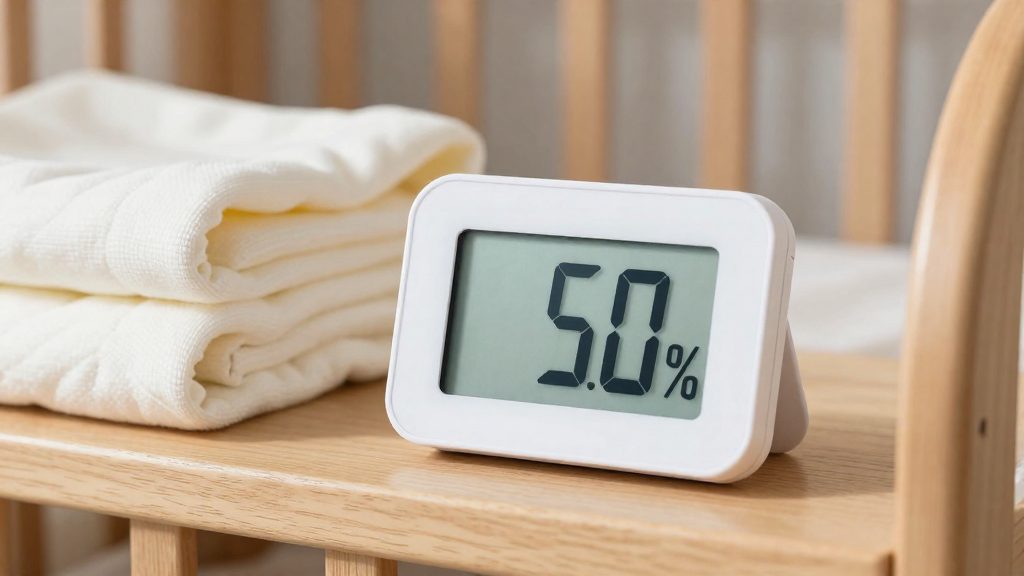
According to Vinotemp, the ideal relative humidity (RH) for wine storage is 50-70%. The band is a range rather than a single set point, and the Vinotemp guidance does not single out a more precise value within it. Each boundary guards against a different outcome, so the two edges are worth understanding separately.
Lower boundary: 50% RH
Below 50% RH, a natural cork can dry out and lose its seal, so the lower edge protects the closure rather than the liquid directly. A wine with a synthetic closure is less exposed to this specific failure, which makes the closure type a relevant input when judging how strictly to hold the 50% floor.
Upper boundary: 70% RH
The 70% figure is the top of the recommended band. In practice, a reading above 70% means the cellar is outside the recommended range and its conditions should be reviewed.
Reading the band
- Treat 50-70% RH as the target envelope for the cellar air.
- Keep the readings inside the band over time, not only at a single moment.
-
- Low humidity is the condition Vinotemp links to cork drying and oxygen ingress, so watch the lower edge for the closure.
Which hygrometer type suits a cellar?
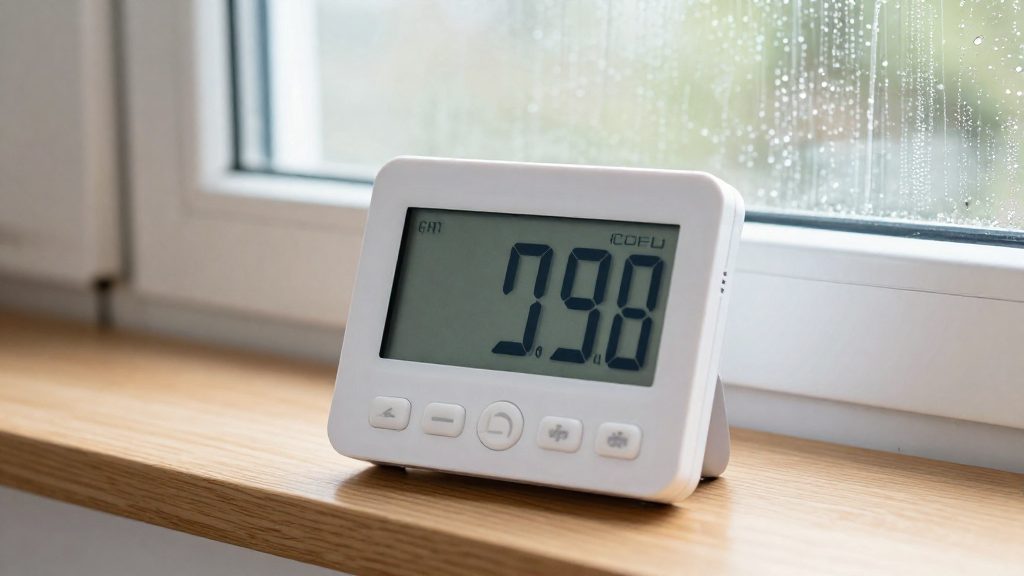
A cellar device has to track relative humidity against the target band of 50-70%, and it should also report temperature, since Vinotemp advises a combined thermometer and hygrometer gauge. A humidity-only hygrometer leaves temperature unchecked, so a combined unit covers both values in one device.
Wi-Fi versus Bluetooth
The connectivity type decides how you read the data and whether you can check the cellar when you are away.
- Wi-Fi sends readings through your home network, so you can view them from anywhere with an internet connection. It depends on the cellar being within reach of your router.
- Bluetooth pairs directly with a phone nearby, without a home network. Readings are available only while the phone is within the Bluetooth link range, so remote monitoring is not possible.
Check the device documentation for range and battery figures before buying.
Combined gauges and alerts
A combined gauge shows the current values on its display, which requires you to go to the cellar to read them. Vinotemp notes that a monitoring kit placed in the cellar can send a text or email alert when temperature or humidity leaves the desired range. This is the main advantage of a connected device: a reading that drifts below the band is reported to you rather than discovered on your next visit.
| Option | Values reported | Notification |
|---|---|---|
| Combined gauge (on-site reading) | Temperature and humidity | None; values are read on the display |
| Monitoring kit | Temperature and humidity | Text or email when a value leaves the range |
Best hygrometers for a wine cellar
Bob Vila’s hygrometer roundup (2026-02-20) names four models for cellar use: the Govee H5051 Wi-Fi as best overall, the Govee H5075 Bluetooth as best value, the SensorPush HT.w as best smart pick, and the Ideal Sciences Temp Stick as best for wine cellars. The comparison below focuses on how precisely each model is rated to read across the target band. The Temp Stick, Bob Vila’s pick for wine cellars, is covered after the table because its temperature accuracy is not stated.
| Model | Bob Vila label | Stated humidity accuracy | Stated temperature accuracy |
|---|---|---|---|
| Govee H5051 Wi-Fi | Best overall | 3% RH | 0.54°F |
| Govee H5075 Bluetooth | Best value | 3% RH | 0.5°F |
| SensorPush HT.w | Best smart pick | 2% RH | 0.36°F |
Govee H5051 Wi-Fi vs. H5075 Bluetooth: Both Govee models carry the same stated humidity accuracy of 3% RH. The H5051 has a slightly larger stated temperature tolerance than the H5075 (0.54°F against 0.5°F). The model names indicate that the H5051 uses Wi-Fi and the H5075 uses Bluetooth, which is the main practical difference between them for remote monitoring.
SensorPush HT.w: It is the only model in this group rated at 2% RH for humidity and 0.36°F for temperature, the tightest figures listed. Bob Vila places it in the smart-pick category.
Temp Stick: Bob Vila names it best for wine cellars and states an accuracy of 2% RH. Its reviewers had not tested the model and chose it on features and reviews. Its temperature accuracy is not stated in the source, so it cannot be compared on that measure.
Vinotemp describes monitoring kits that send text or email alerts when temperature or humidity leaves the desired range. The Bob Vila entries do not state whether either Govee model or the SensorPush HT.w offers this function, so buyers who need alerts should confirm it before purchase.
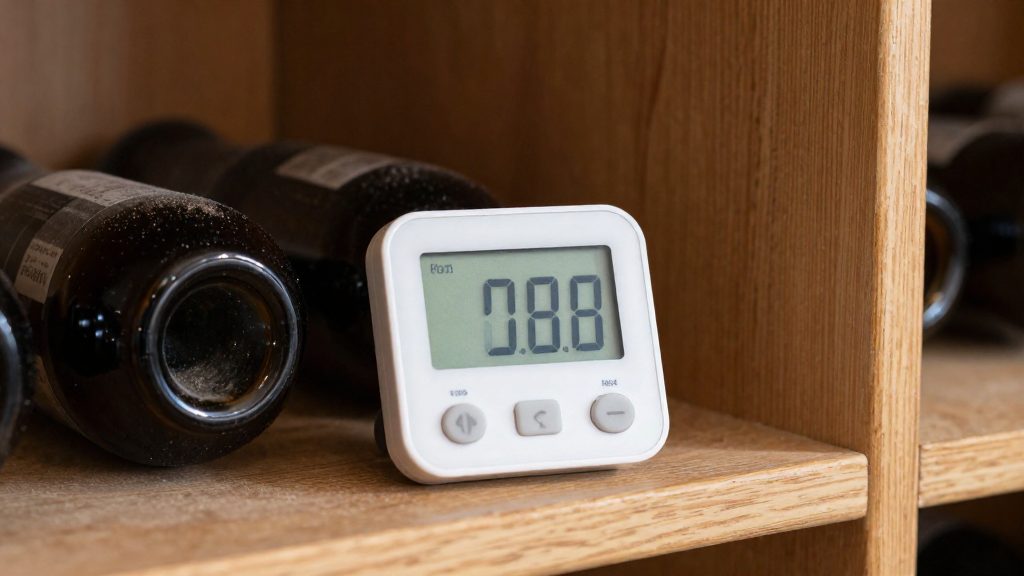
How accurate does a cellar hygrometer need to be?
A cellar hygrometer needs a tolerance smaller than the margin between its readings and the edges of your target range. Bob Vila (2026-02-20) cites stated accuracies of 2% RH and 3% RH for humidity, and 0.36°F, 0.5°F and 0.54°F for temperature, for the models it lists. These figures describe how far a single reading may differ from the true value. They say nothing about how the device behaves over months of use.
What ±2% and ±3% RH mean in practice
A tolerance of ±2% RH means a display reading of 60% RH corresponds to a true humidity between 58% and 62%. A ±3% RH tolerance widens that window to 57% to 63% for the same reading. If the figure is read as plus or minus, the error can fall in either direction, and the display does not indicate which.
| Stated tolerance | Example reading | Possible true value |
|---|---|---|
| ±2% RH | 60% RH | 58% to 62% RH |
| ±3% RH | 60% RH | 57% to 63% RH |
The practical effect is that a reading close to the edge of your range can be outside it in reality. The narrower the tolerance, the less margin you need to allow before deciding whether conditions are acceptable.
Temperature tolerance in °F
The stated temperature tolerances are 0.36°F, 0.5°F and 0.54°F. Accuracy figures like these are usually read as plus or minus the stated value, so a reading of 60.0°F could represent a true temperature of about 59.5°F to 60.5°F at the 0.5°F level. Confirm this in the manufacturer’s documentation. Temperature matters for humidity readings because relative humidity is calculated relative to the air’s temperature. A temperature error therefore affects how the RH value should be interpreted, not only the temperature figure itself.
Calibration drift and recalibration checks
Calibration drift is the gradual change of a sensor’s readings away from the true value over time. Set the recalibration schedule by checking the instrument itself.
A simple recalibration check works as follows:
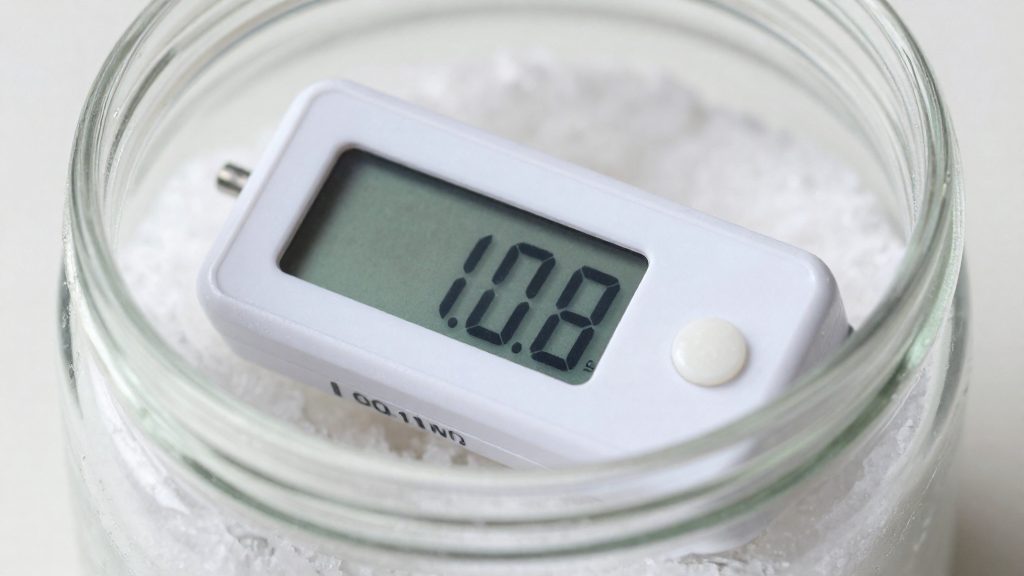
- Place the hygrometer and a second reference instrument in the same sealed container, away from direct airflow.
- Allow both to stabilise, then compare the readings.
- Record the difference each time you check, so you can see whether it grows.
- If the difference exceeds the stated tolerance, recalibrate or replace the unit.
Where should you place the sensor?
A hygrometer reports the conditions where it sits, not the conditions across the whole cellar. The target band applies to the air around the bottles, so a sensor placed near a door, a wall, or an air outlet can show a reading that differs from what the wine experiences. Placement affects accuracy as much as the device itself.
Mounting height and distance from walls
Mount the sensor at bottle level, beside the racking that holds the stored bottles. Placing it on a high shelf or on the floor can capture a layer of air that does not match the bottle zone. Keep it clear of walls so that air circulates around it. Walls, especially exterior ones, can be cooler than the room air and may carry moisture on their surface, so a sensor pressed against one can read the wall’s microclimate rather than the room’s. Avoid enclosing the sensor behind bottles, boxes, or cabinet panels, where air movement is restricted and the reading lags behind real changes.
Keeping the sensor away from humidifier output
Vinotemp suggests raising humidity with a portable humidifier, a bowl of water, or a decorative fountain. Each of these releases moisture at a single point, which creates a local zone of higher humidity around the source. A sensor placed in that zone will report a value the rest of the cellar does not share, and it may trigger alerts when the room is actually within range. Position the sensor at a distance from any water source, in an area where the moisture has already mixed into the room air.
Avoiding direct airflow from ventilation vents
Air moving from a vent is usually different in temperature and humidity from the air already in the room. A sensor inside that stream records the supply air, not the stored-air conditions. A misleading reading in either direction can lead to the wrong corrective action. Place the sensor outside the direct path of any vent, in air that represents the room.
| Placement factor | Recommended position | Error if ignored |
|---|---|---|
| Mounting height | Bottle level, beside the racks | Reads air above or below the bottles |
| Wall distance | Clear of walls, with air circulating | Reads wall-surface conditions |
| Humidifier output | Outside the moisture plume | Reports a local spike and may trigger false alerts |
| Ventilation vents | Outside the direct airflow | Reads supply air instead of room air |
How do you fix humidity that is too low or too high?
Corrective action depends on which side of the 50-70% target range the reading falls. Dry air is treated by making the space airtight and adding moisture, while air above 70% is outside the recommended band and generally calls for a dehumidifier, which is general practice and not part of the Vinotemp guidance. Vinotemp recommends checking the reading with a combined thermometer and hygrometer gauge before making any change, so that each adjustment is based on a measured value.
Correcting air that is too dry
Low humidity can dry out natural corks, so the first step is to stop moisture from leaving the space:
- Check the room for gaps around doors, vents, and wall penetrations.
- Insulate the enclosure and install a vapor barrier, as Vinotemp suggests, so that moisture added to the air stays inside.
- Add moisture only after the space is sealed. Adding water to a leaky room wastes it, and the reading will drop again.
Sealing the space: insulation and vapor barrier
Vinotemp’s first recommendation is structural rather than mechanical. Keeping the space airtight with insulation or a vapor barrier reduces the rate at which humidity escapes, which means any humidifier runs for less time to hold the target. This also applies to any moisture source you add later.
Adding moisture: portable humidifier and passive sources
Vinotemp lists three ways to raise humidity in a wine cellar:
| Method | What Vinotemp specifies |
|---|---|
| Portable humidifier | Filled with distilled water |
| Bowl of water | Passive evaporation from an open container |
| Decorative fountain | Passive evaporation from a water feature |
As a general rule, passive sources add moisture slowly and are hard to tune, so they suit a space that is only slightly dry. A portable humidifier gives more direct control, and you should adjust it while watching the hygrometer.
Correcting air above 70 percent
When readings exceed 70%, a dehumidifier is the corrective tool. Use it as follows:
- Run the dehumidifier while the hygrometer reading remains above 70%.
- As general practice, keep the door closed during operation so that the unit does not work against incoming humid air.
- Stop the unit once the reading is back well inside the 50-70% range, for example near 60%, so the cellar does not sit at the upper edge.
Frequently asked questions
Which hygrometer should I buy for a wine cellar on a budget?
Bob Vila’s hygrometer roundup (2026-02-20) names the Govee H5075 Bluetooth as best value, with a stated accuracy of 3% RH and a temperature accuracy of 0.5°F. It also lists the Govee H5051 Wi-Fi as best overall, with the same humidity accuracy and 0.54°F for temperature. Both are Govee models from that list.
Can a monitor warn me before the cellar drifts out of range?
Yes. Vinotemp recommends a monitoring kit placed in the cellar that sends a text or email alert when temperature or humidity leaves the range you set. This lets you respond to a dry spell before a cork is affected, instead of finding the problem during a manual check.
My cellar air is too dry. How do I raise the humidity without a whole-room system?
Vinotemp suggests a portable humidifier filled with distilled water, a bowl of water, or a decorative fountain. Its guidance also covers sealing the space with insulation or a vapor barrier so that the moisture you add stays in the room. Check the reading on your hygrometer after each change, since small enclosed cellars can respond quickly.