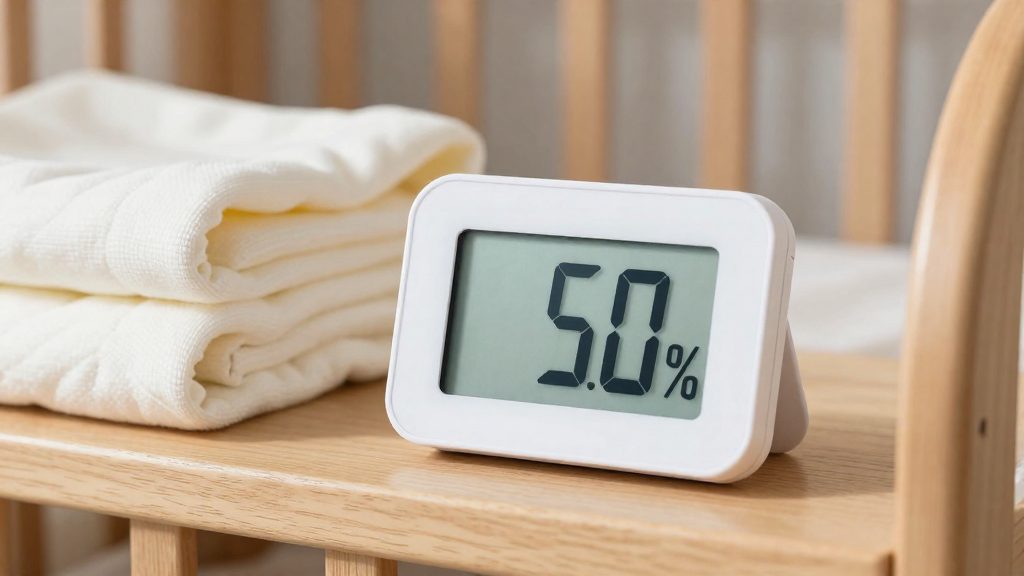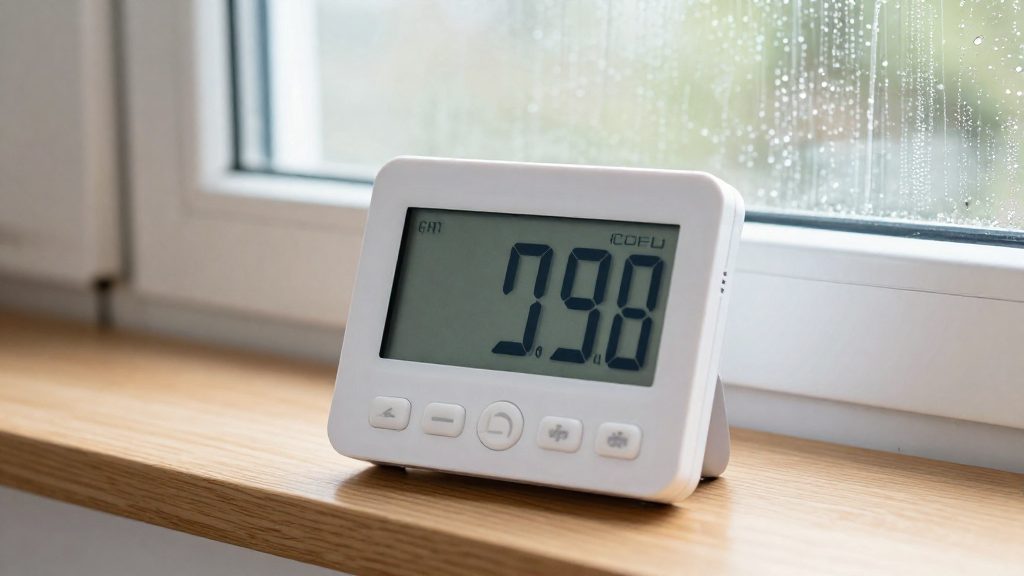
Relative humidity (RH) is the amount of water vapour in the air expressed as a share of the maximum that air could hold at its current temperature. It is a ratio, not a fixed quantity of water. According to Carrier, a digital hygrometer shows this value as a percentage, so the same reading can describe very different amounts of moisture depending on the room’s temperature.
What does relative humidity actually mean?
Relative humidity is a percentage of saturation capacity, not a measure of water content. Air at 100% RH is saturated and cannot take up more vapour without condensing. Air at 50% RH holds half the vapour it could hold at that temperature. Because every hygrometer reading is based on this ratio, the percentage must always be interpreted together with air temperature.
Why warm air holds more vapour than cold air
The capacity of air to hold water vapour rises with temperature. Warm air can carry more moisture before reaching saturation, while cooling the same air lowers that capacity. If a room’s water content stays constant and its temperature drops, the RH reading rises even though no water has been added. Heating a room does the reverse: the displayed percentage falls without any change in how much vapour is present. A reading taken in a cold bedroom and the same reading in a heated living room therefore describe different moisture loads.
Dew point and condensation risk
The dew point is the temperature at which air reaches saturation and vapour begins to condense. When a surface such as a window pane or an exterior wall corner is colder than the room’s dew point, water forms on it. A hygrometer’s percentage alone does not reveal the dew point. Cold surfaces are the first to show this effect, which is why condensation usually appears on windows and wall corners rather than across the whole room.
What is a healthy indoor humidity range?
For most homes, the target range is 30 to 50 percent relative humidity. The U.S. Environmental Protection Agency advises keeping indoor relative humidity below 60 percent, and ideally between 30 and 50 percent when possible. The 60 percent figure is an upper limit, not a goal. The range is a band with two edges, and a reading can only be judged against both.
Why excess moisture causes harm
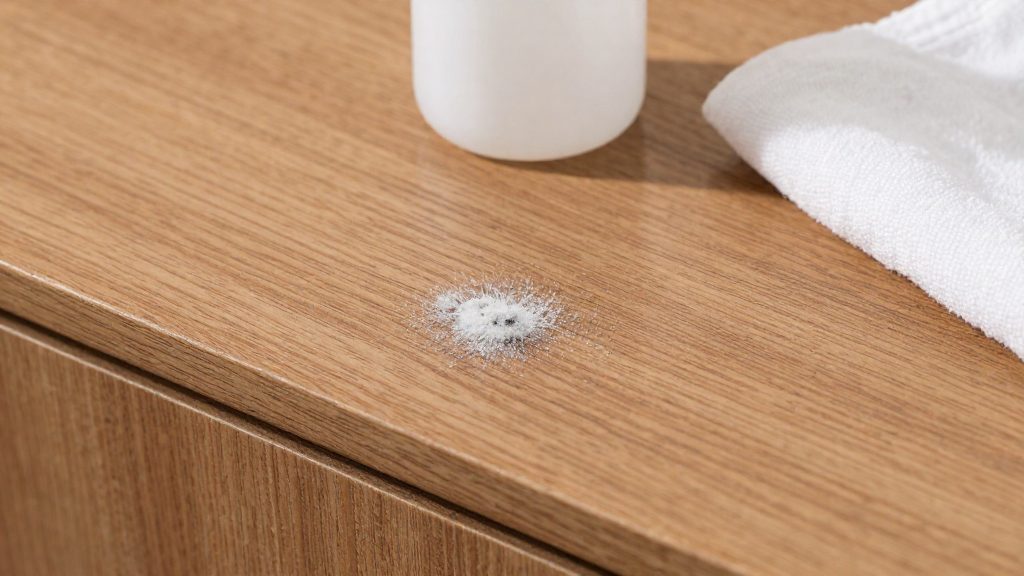
Damp indoor air supports biological growth. According to Carrier, readings above 50 percent can encourage dust mites and mold. This is why the upper part of the band matters more for health than for comfort. Dust mites and mold depend on moisture, so keeping readings under 50 percent when conditions allow limits the conditions they need.
Why dry air causes harm
Readings below 30 percent are linked to dry skin, sinus irritation and static electricity, according to Carrier. These effects fall on the occupants rather than the room. The dry-air symptoms appear at the low end of the band, so a reading that looks acceptable in one season can still fall below 30 percent during heating periods.
Summary of thresholds
| Relative humidity | Effect | Source |
|---|---|---|
| Below 30% | Dry skin, sinus irritation, static | Carrier |
| 30 to 50% | Ideal range, when possible | U.S. EPA |
| Above 50% | Can encourage dust mites and mold | Carrier |
| Below 60% | Upper limit in EPA guidance | U.S. EPA |
Where should you place a digital hygrometer?
Place the digital hygrometer in a central, frequently used room such as the living room, bedroom or hallway. Carrier identifies these rooms as the best choice for a representative reading, meaning one that describes the room as a whole rather than one spot or one building feature. Placement is the main way to avoid a local artifact, a reading that reflects conditions near the device instead of the air in the room.
Carrier advises keeping the device away from direct sunlight, vents, windows and exterior doors, which can give misleading readings. The table below applies this guidance to common positions.
| Position | Suitable? | Reason |
|---|---|---|
| Central spot in a living room, bedroom or hallway | Yes | Reflects the room’s overall air |
| Beside a supply or return vent | No | Airflow from the vent can skew the sensor |
| Next to a window or exterior door | No | Outdoor air can give misleading readings |
| Exposed to direct sunlight | No | Sunlight can distort the reading |
| Near a heat-generating appliance | No | Local heat changes the conditions around the sensor |
When choosing the exact spot, keep the hygrometer at a reasonable distance from walls and furniture so air can move around it. Place it at a height that suits the room’s main use rather than on a window sill or behind a curtain, where it would be exposed to outdoor conditions.
How long should you wait before trusting a reading?
A digital hygrometer is worth reading only after two things happen: the sensor has adjusted to the air around it, and the displayed value has stopped moving. A sensor still responding to a change in conditions reports a value that does not yet reflect the room.
Acclimatization after moving the device
A hygrometer brought from another room, a car, a storage space or a shipping box has been exposed to different humidity and temperature. Place it in the new room, keep it powered on, and leave it undisturbed. Do not read it immediately after carrying it in. Avoid handling the sensor or placing the device near a heat source or a damp surface while it adjusts.
Sensor warm-up after power-on or battery replacement
After powering on or changing the battery, treat the first readings as provisional. Leave the meter in place and note the value only once the display has stopped changing, as described in the stability check below.
Stability check
Watch the display for a short observation period of your choosing and note the highest and lowest values. A stable reading stays within a narrow band. A value that keeps rising or falling means conditions are still changing or the sensor has not finished settling.
How accurate is a digital hygrometer?
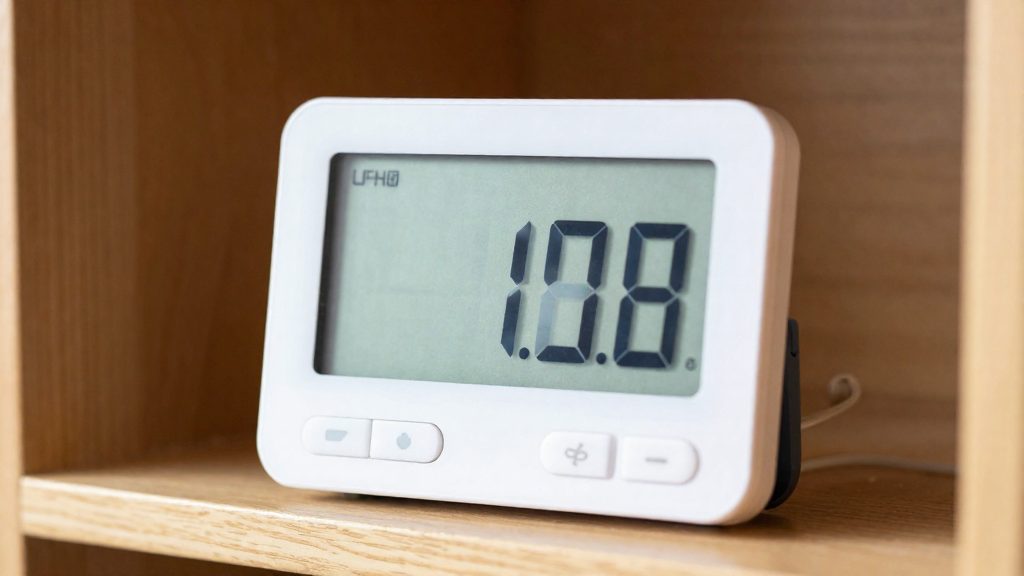
Digital hygrometers do not share one accuracy level. According to Carrier, a hygrometer’s accuracy depends on its specifications, calibration and operating conditions, so two meters in the same room can show different values. The tolerance printed in the manufacturer’s specifications is the figure to check first. Confirm whether that tolerance applies across the full measuring range or only at one reference point.
Sensor type is the main variable. The capacitive sensor is the design used in most digital meters, and Carrier describes capacitive-sensor digital models as a reliable choice for home use. The chilled-mirror instrument is the more accurate reference type. Carrier notes that it costs more and is used in specialized settings. EPA reports that temperature-and-humidity meters are generally available for less than $50 at hardware stores or online.
| Sensor type | Accuracy | Cost | Typical setting |
|---|---|---|---|
| Capacitive (digital consumer model) | Reliable for home use (Carrier) | Generally under $50 for combined temperature and humidity meters (EPA) | Home monitoring |
| Chilled-mirror | More accurate (Carrier) | Higher (Carrier) | Specialized settings (Carrier) |
Drift over time
Humidity sensors change gradually with use and age, a process known as drift. A reading that was accurate when the meter was new may not stay accurate after years of operation. Because of this, an old meter should not be treated as a permanent reference.
How to check and calibrate with the salt test
A salt test compares a digital hygrometer with a known humidity point. You seal the meter in a small container with a saturated salt solution, which holds the air at a relative humidity near 75 percent at room temperature. You then record the difference between that reference and the meter’s display, and use the difference to correct future readings.
Materials
- A small airtight container with a lid, such as a food storage box
- Table salt (sodium chloride) and a small amount of water
- A shallow dish and a sponge or cotton cloth to hold the solution
- The hygrometer under test, plus a pen and paper or a note app
Preparing the saturated salt reference
Stir salt into a small amount of water until no more dissolves and a few undissolved crystals remain at the bottom. This saturated sodium chloride solution cannot absorb more salt, which is what keeps the humidity at a fixed value. Soak the sponge or cloth with the solution, then place it in the dish. Use only sodium chloride for this test: the 75 percent reference applies to this salt.
Setting up the sealed container
- Place the dish at the bottom of the container, with the sponge above the liquid level.
- Hang or set the hygrometer sensor above the dish, without touching the liquid or the sponge.
- Close the lid firmly to form a sealed container.
- Keep the container in a room with a stable temperature. Relative humidity depends on temperature, so a warm or cold draft shifts the reading even when the moisture content has not changed.
Recording the offset
Record the values below.
| Value | How to obtain it |
|---|---|
| Reference | About 75 percent, the saturated sodium chloride point |
| Meter reading | The stable figure shown on the display |
| Offset | Reference minus meter reading |
A positive offset means the meter reads low. A negative offset means it reads high.
Applying the correction
The salt test checks the meter at one point only, near 75 percent. If the meter shows 72 percent against a 75 percent reference, the offset is +3. Treat that figure as an indication of how far off the meter is, not as a correction valid across the whole range: the error can differ at 30 or 50 percent. If the offset is large, compare the meter with a second one or replace it.
The offset is valid only for the conditions in which you tested. Repeat the test if the room temperature changes significantly or if the meter is moved to another environment.
When to act on a reading
A single reading rarely justifies a change to the home. Humidity shifts with cooking, showers, laundry drying and the weather, so one value taken at one moment can look alarming without reflecting the room’s normal state. Decisions should rest on sustained readings, meaning values that stay high across several days. Only then does it make sense to change ventilation or start a dehumidifier.
Readings that remain above 50 percent are the main trigger for action. Before making changes, note what the room was doing at the time of each reading. Cooking, showering and drying clothes indoors all add moisture temporarily, so a spike linked to one of these activities is less informative than a level that persists during quiet periods.
Condensation on glazing is a practical early warning. When water forms on windows, moisture is collecting on a cold surface faster than the room is clearing it. If you see this, check the hygrometer in that specific room, since a local reading can differ from the central reading used for monitoring. Then increase ventilation and reduce indoor moisture sources.
Visible mold calls for a different response. Mould that returns after cleaning, or that appears alongside sustained high readings, suggests the moisture source has not been addressed. In that case, professional assessment of the cause is the appropriate next step, rather than repeated surface cleaning.
| Observation | Recommended step |
|---|---|
| Readings stay above 50% across several days | Increase ventilation, consider a dehumidifier, then re-check |
| Water forms on glazing | Check the hygrometer in that room, ventilate, reduce moisture sources |
| Mould returns after cleaning | Arrange a professional assessment of the moisture source |
Frequently asked questions
Where should I place a digital hygrometer to get a representative reading?
Place it in a central, frequently used room such as the living room, bedroom or hallway, according to Carrier. Keep it away from direct sunlight, vents, windows and exterior doors, because these locations can produce misleading readings.
If my hygrometer shows 50%, can I tell whether condensation will form?
Not from the percentage alone. Condensation depends on the dew point compared with the temperature of the surface in question, such as a window pane or a wall corner.
How can I check whether my hygrometer is reading accurately?
A salt test gives a simple single-point check: a saturated sodium chloride solution produces about 75% relative humidity at room temperature. Compare your meter’s reading with this value, but do not assume the offset applies at other humidity levels.